
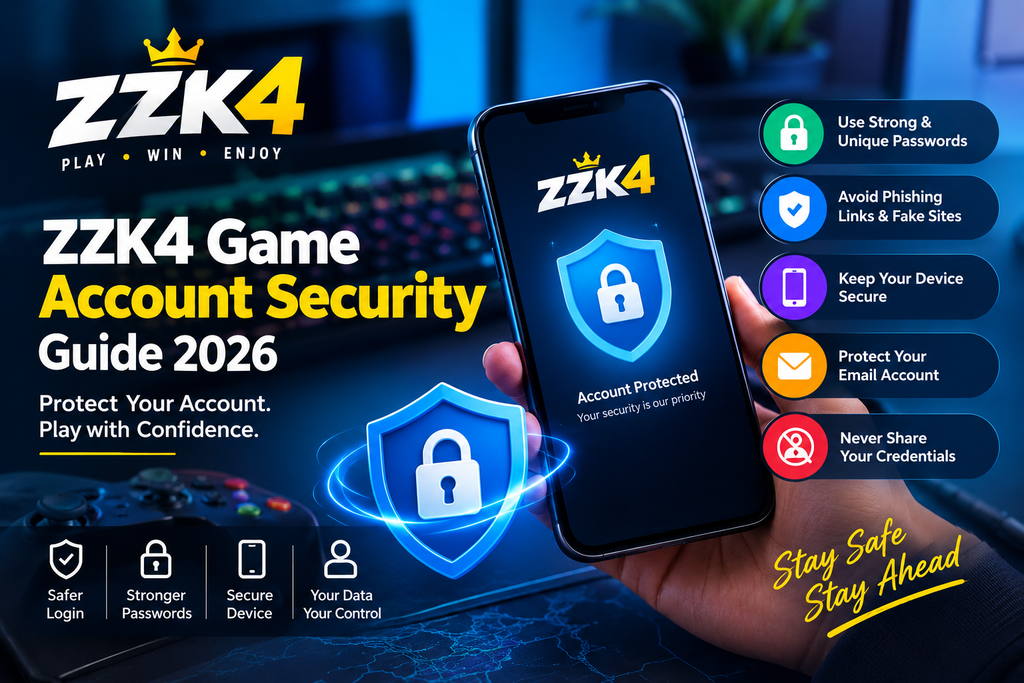
Keeping an online gaming account secure is just as important as keeping a smartphone or computer protected. Account credentials, personal information, saved sessions, and other account-related details can become targets for phishing, fake websites, and unauthorized access.
For ZZK4 users, following basic security practices can help reduce the risk of account-related problems.
This ZZK4 Game Account Security Guide explains practical ways to protect your login information, recognize suspicious activity, secure your device, and respond if you believe your account may have been compromised.
Why ZZK4 Game Account Security Matters
An online account can contain information that should not be shared with other people.
Depending on the platform and account setup, users may have login credentials, profile information, activity records, and other account-related data associated with their account.
Weak passwords, reused credentials, suspicious links, unsecured devices, and phishing attempts can increase security risks.
Good account security starts with simple habits.
Use a Strong and Unique Password
One of the most important steps for protecting an online account is using a strong password.
Avoid passwords based on:
- Your name
- Date of birth
- Phone number
- Simple number combinations
- Common words
- Easily guessed personal information
A stronger password should be difficult for another person to guess.
It is also better to use a unique password rather than using the same password across multiple websites.
If another website experiences a data breach and you have reused the same password, attackers may attempt to use those credentials elsewhere.
Never Share Your ZZK4 Login Credentials
Your username and password should remain private.
Do not send your password to:
- Friends
- Strangers
- Online sellers
- Social-media contacts
- Unverified customer-support accounts
- People claiming to provide account services
A legitimate support process should not require you to publicly post your password.
You should also avoid sharing one-time passwords or authentication codes with anyone.
Be Careful With Fake ZZK4 Login Pages
Phishing is one of the most common ways attackers attempt to steal account credentials.
A fake login page may look similar to a genuine website and ask users to enter their username and password.
Before entering account information, carefully check the website address.
Warning signs can include:
- Unusual domain names
- Misspelled website addresses
- Unexpected redirects
- Suspicious pop-ups
- Urgent messages demanding immediate action
- Requests for passwords through chat
- Requests for OTPs or authentication codes
- Offers that appear too good to be true
When in doubt, close the page and access the official service through a trusted route.
Avoid Suspicious Links
Links received through messages, social media, emails, or unknown websites can lead to fake login pages or malicious downloads.
Do not click a link simply because it contains the word “ZZK4.”
Instead, check where the link actually leads before opening it.
Be particularly cautious when a message claims:
- Your account will be closed immediately
- You have won an unexpected reward
- Your account needs urgent verification
- You must download a new file
- Your password has expired
- You need to provide an OTP
Unexpected urgency is often a reason to slow down and verify the information.
Keep Your Android Device Secure
Account security also depends on the device you use.
Keep your Android operating system updated with available security updates.
You should also:
- Use a screen lock
- Keep device security features enabled
- Install applications only from sources you can verify
- Remove applications you no longer use
- Avoid modified APK files
- Review application permissions
- Avoid installing unknown software
A secure account cannot fully protect information if the device itself has been compromised.
Avoid Modified or Unknown APK Files
Users should be especially careful when installing applications outside standard app stores.
An APK obtained from an unknown source may have been modified or bundled with unwanted software.
Before installing any application, consider:
- Where did the file come from?
- Is the source trustworthy?
- Does the application name match the expected software?
- Does the file request unusual access?
- Are you being asked to disable important security protections?
If anything appears suspicious, do not continue the installation until the source can be independently verified.
Check Your Account Activity Regularly
Regularly reviewing account activity can help users notice unusual behavior.
Depending on the platform’s available features, look for:
- Unexpected login activity
- Unknown devices
- Unfamiliar profile changes
- Unrecognized account activity
- Unexpected password-reset messages
- Security notifications you did not initiate
If something appears unfamiliar, investigate it rather than ignoring it.
Do Not Save Passwords on Public Devices
Using an account on a shared computer or public device creates additional security risks.
If you need to access your account from a shared device:
- Avoid saving the password.
- Do not enable automatic login.
- Do not allow the browser to remember credentials.
- Log out when finished.
- Close the browser session.
- Avoid accessing sensitive account information on computers you do not trust.
Your personal smartphone or computer is generally preferable for account access.
Be Careful With Browser Autofill
Password managers and browser autofill can be useful, but users should understand how they work.
Do not enable password saving on a device that other people regularly use.
If your device is shared, consider using separate user profiles or another appropriate security method.
The goal is to prevent another person from gaining automatic access to your account.
Protect Your Email Account
Your email account can be especially important because password-reset links and security notifications may be sent there.
If someone gains access to your email, they may potentially attempt to reset passwords for other online accounts.
Therefore, secure the email address associated with your account.
Use:
- A strong unique password
- Available multi-factor authentication
- Recovery information you control
- Updated security settings
Never ignore unusual security notifications from your email provider.
What Is Multi-Factor Authentication?
Multi-factor authentication adds another security layer beyond a password.
When supported by a service, authentication may involve an additional verification method.
For example, the service may request a code or confirmation after the password is entered.
If ZZK4 or an associated service offers a legitimate additional security feature, users should follow the official instructions rather than relying on instructions from third parties.
How to Recognize a Phishing Message
A phishing message may appear to come from a legitimate company but actually be designed to steal information.
Common warning signs include:
Urgent Language
Messages may claim that you must act immediately.
Suspicious Links
The displayed text may not match the actual website address.
Requests for Sensitive Information
Be cautious if someone asks for passwords, OTPs, recovery codes, or other confidential information.
Unexpected Attachments
Do not open unknown files simply because they are presented as account documents or updates.
Unusual Offers
Unexpected prizes, bonuses, refunds, or account benefits may be used as bait.
When a message seems unusual, verify it independently.
What to Do If You Think Your Account Is Compromised
If you suspect unauthorized access, act quickly.
Step 1: Change Your Password
Use a new password that you have not used elsewhere.
Step 2: Secure Your Email
If the same password was used for your email account, change it immediately.
Step 3: Check Account Activity
Look for unfamiliar activity or changes.
Step 4: Remove Untrusted Access
If the platform provides a way to sign out other sessions or remove unknown devices, use the official account-security options.
Step 5: Check Your Device
Review recently installed applications and remove anything suspicious.
Step 6: Contact Official Support
Use the official support or account-recovery process if you cannot regain control of the account.
Do not rely on strangers offering account recovery through social media.
Common ZZK4 Account Security Mistakes
Some security problems are caused by simple mistakes.
Using the Same Password Everywhere
One leaked password can put multiple accounts at risk.
Sharing OTPs
Never share authentication codes with another person.
Clicking Unknown Links
A single phishing link can lead to credential theft.
Installing Unknown APKs
Unverified applications can create unnecessary security risks.
Ignoring Security Alerts
Unexpected password-reset or login notifications should not be ignored.
Leaving Accounts Logged In
Shared or public devices should never retain access to personal accounts.
ZZK4 Account Security Checklist
Before using your account, review this simple checklist:
- Use a strong password.
- Use a unique password.
- Never share your password.
- Never share OTPs or authentication codes.
- Check website addresses before logging in.
- Avoid suspicious links.
- Avoid unknown APK files.
- Keep your Android device updated.
- Review application permissions.
- Secure your email account.
- Avoid saving passwords on public devices.
- Monitor unusual account activity.
- Use available security features.
- Contact official support if you lose access.
How to Create a Safer ZZK4 Login Routine
A simple security routine can make account protection easier.
Before logging in, check the website address.
While logging in, make sure you are not using a suspicious link.
After logging in on a shared device, sign out completely.
Periodically review your password and account-security settings.
These habits require very little time but can significantly improve overall account security.
Frequently Asked Questions
How can I protect my ZZK4 account?
Use a strong and unique password, avoid suspicious links, never share passwords or OTPs, keep your device secure, and monitor your account for unusual activity.
Should I use the same password for ZZK4 and other websites?
No. Using unique passwords reduces the potential impact if another website experiences a security breach.
Is it safe to share my ZZK4 password with someone helping me?
No. Your password should remain private. Do not share it with another person through messages, phone calls, or social media.
What should I do if I receive a suspicious ZZK4 message?
Do not click suspicious links or provide sensitive information. Verify the message through an official channel before taking action.
What if I accidentally entered my password on a fake website?
Change your password immediately. If you reused the same password elsewhere, change it on those services as well. Secure your email account and use the official account-recovery or support process if necessary.
Should I install a modified ZZK4 APK?
Users should avoid unknown or modified APK files because their contents and security cannot necessarily be verified. Use a source that you can independently verify.
Can I use ZZK4 on a public computer?
If you must use a public or shared computer, avoid saving passwords, use your own secure connection where appropriate, and log out completely when finished.
How often should I change my password?
There is no universal requirement to change a strong password on a fixed schedule. However, change it immediately if you believe it has been exposed, reused after a breach, or otherwise compromised.
Final Thoughts
Good ZZK4 Game Account Security does not require complicated technical knowledge.
Most useful security measures are simple: use a unique password, protect your email, avoid suspicious links, never share OTPs, keep your device updated, and be careful when installing applications.
Taking a few minutes to review your security habits can help reduce the risk of unauthorized account access and protect your personal information.
If you encounter a security problem, use the platform’s official account-recovery or support channels rather than trusting unknown individuals who promise to recover your account.
Conclusion
Your account security depends on both your online habits and the security of the device you use.
By following this ZZK4 Game Account Security Guide 2026, users can create safer login habits, recognize common phishing attempts, avoid suspicious downloads, and respond more effectively to potential account-security problems.
Security should be treated as an ongoing habit rather than a one-time task.